
Create Character Voices.
Bring Your RPG to Life.
Build unique AI voices for every character in your campaign, then use them live in Discord. From the tavern keeper to the ancient dragon — every NPC gets a voice.
New accounts start with free credits.
Loading interactive demo…
How it works
From a blank character to a voiced NPC in your Discord call.
- Step 1
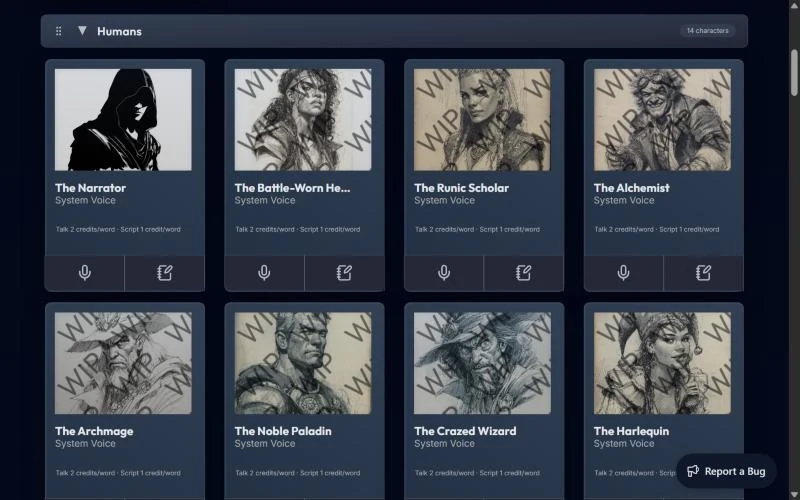
Pick or design a voice
Start from the library of more than 40 ready-made characters, or describe a new one and choose from three generated voices.
- Step 2
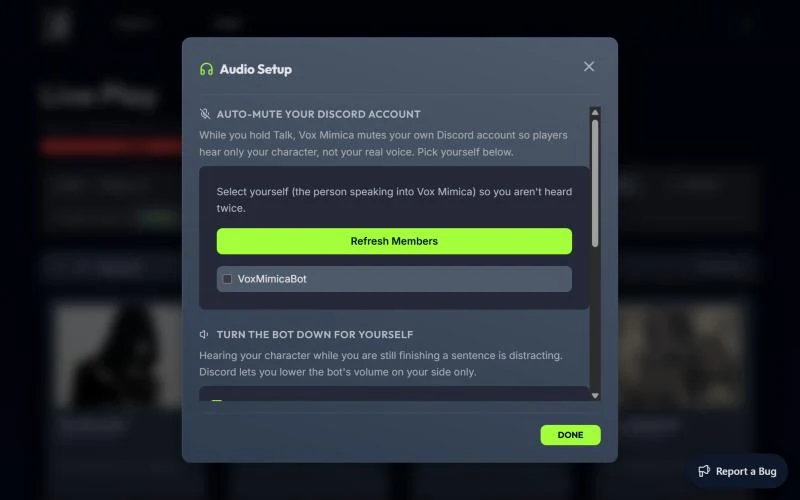
Bring the bot to your call
Add Vox Mimica to your Discord server and pick your voice channel. No virtual cables, nothing to install.
- Step 3
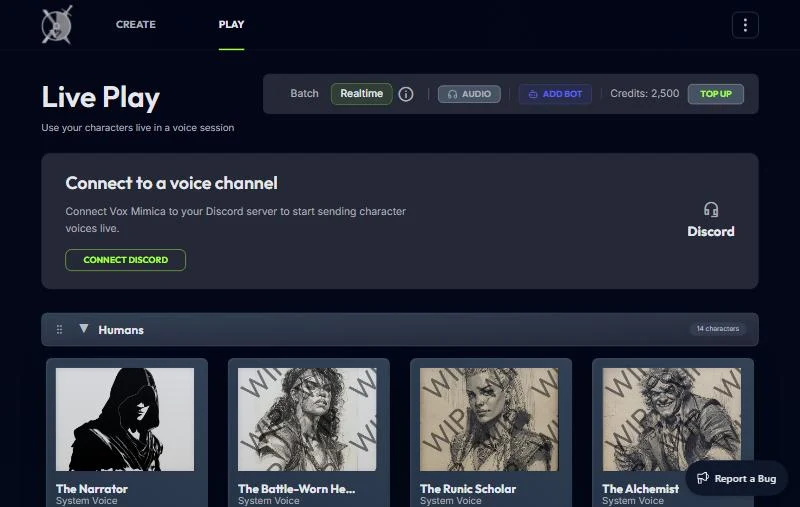
Speak as your NPC
Hold Talk and your players hear the character, live. Script mode keeps prepared lines one click away.
Questions
Is it free to try?
Yes. New accounts start with free credits, so you can try the whole character library before you pay.
Do I need a subscription?
No. One-time credit packs work too. Subscriptions add monthly credits and are usually better value if you play every week.
What do my players need?
Just to be in the Discord voice channel. They hear the bot like anyone else in the call.
Does it work with Foundry or Roll20?
Yes, alongside them. Vox Mimica works in your Discord call, so your map stays in whatever VTT you use.
More on credits and plans in the pricing FAQ.
Ready to Transform Your Game?
Give your next session a cast worth listening to.